Class Management: Overview
Step 1: Access https://coursemind.io/courses
Step 2: Access a class that you manage.
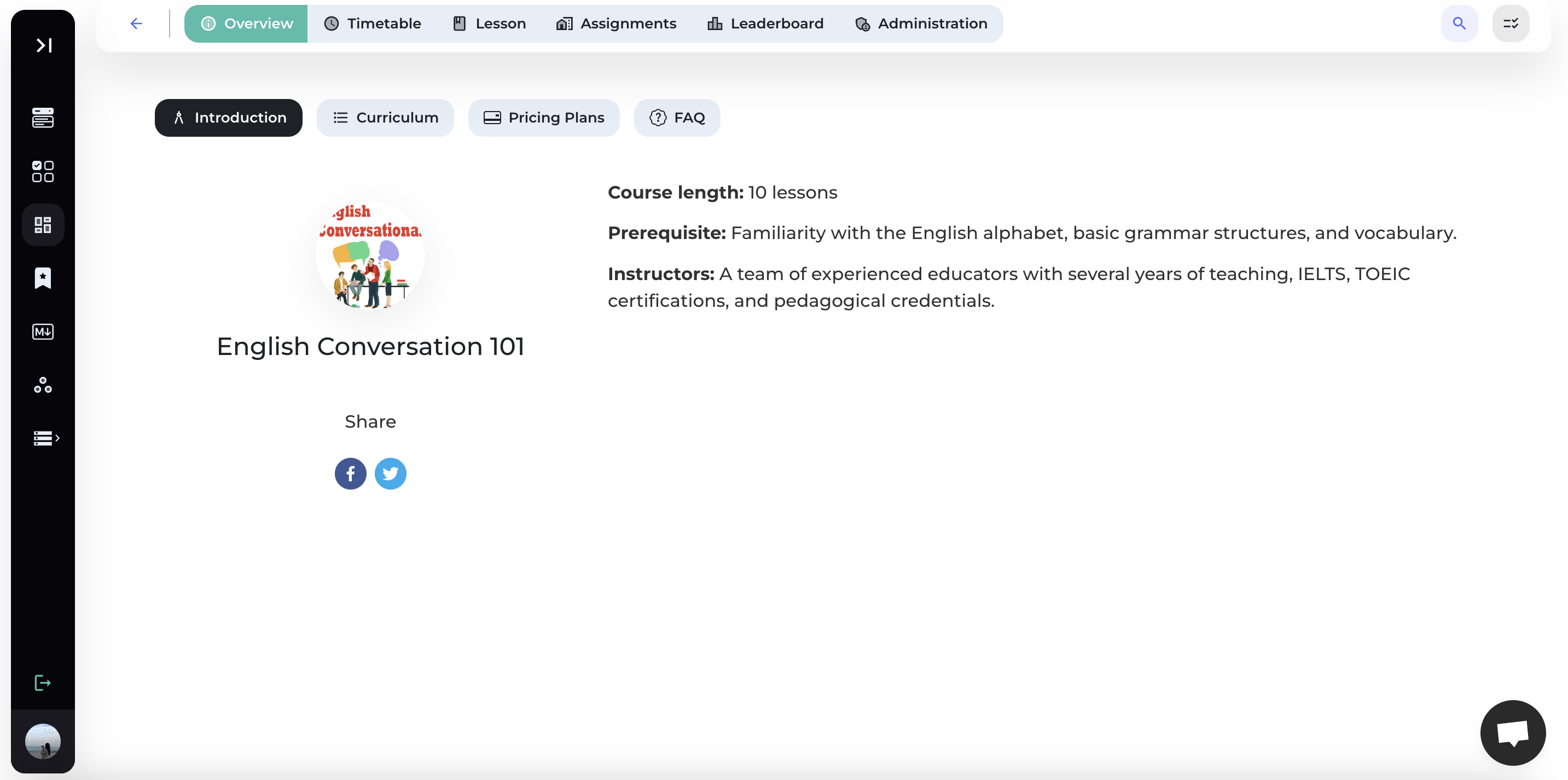
1. Course Overview
The system will display an overview of the class, including the following information:
1.1. Introduction
Introduce information about the course, such as Instructors, Course Content, Prerequisites, etc.
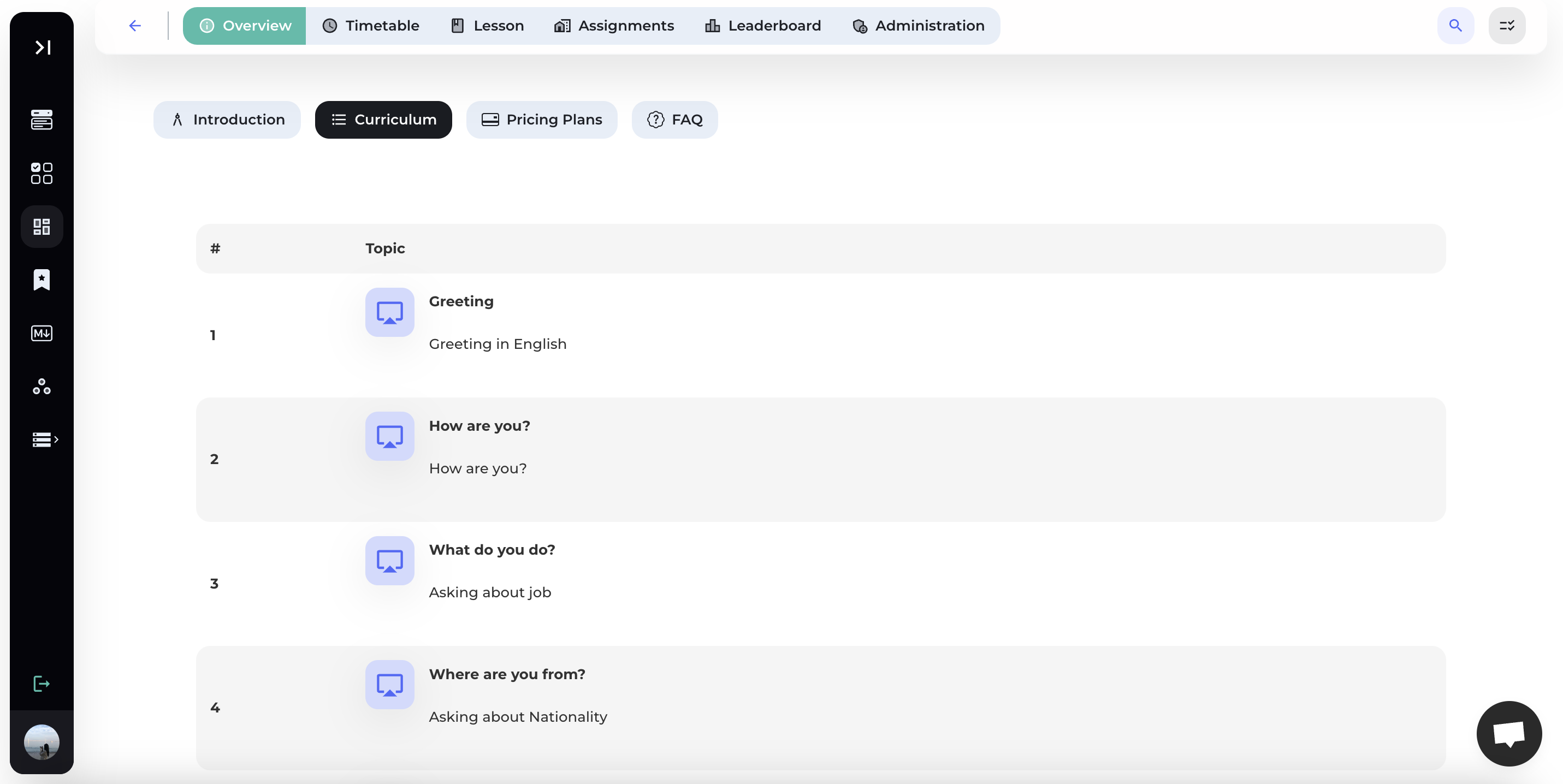
1.2. Curriculum
Display the topics of the course.
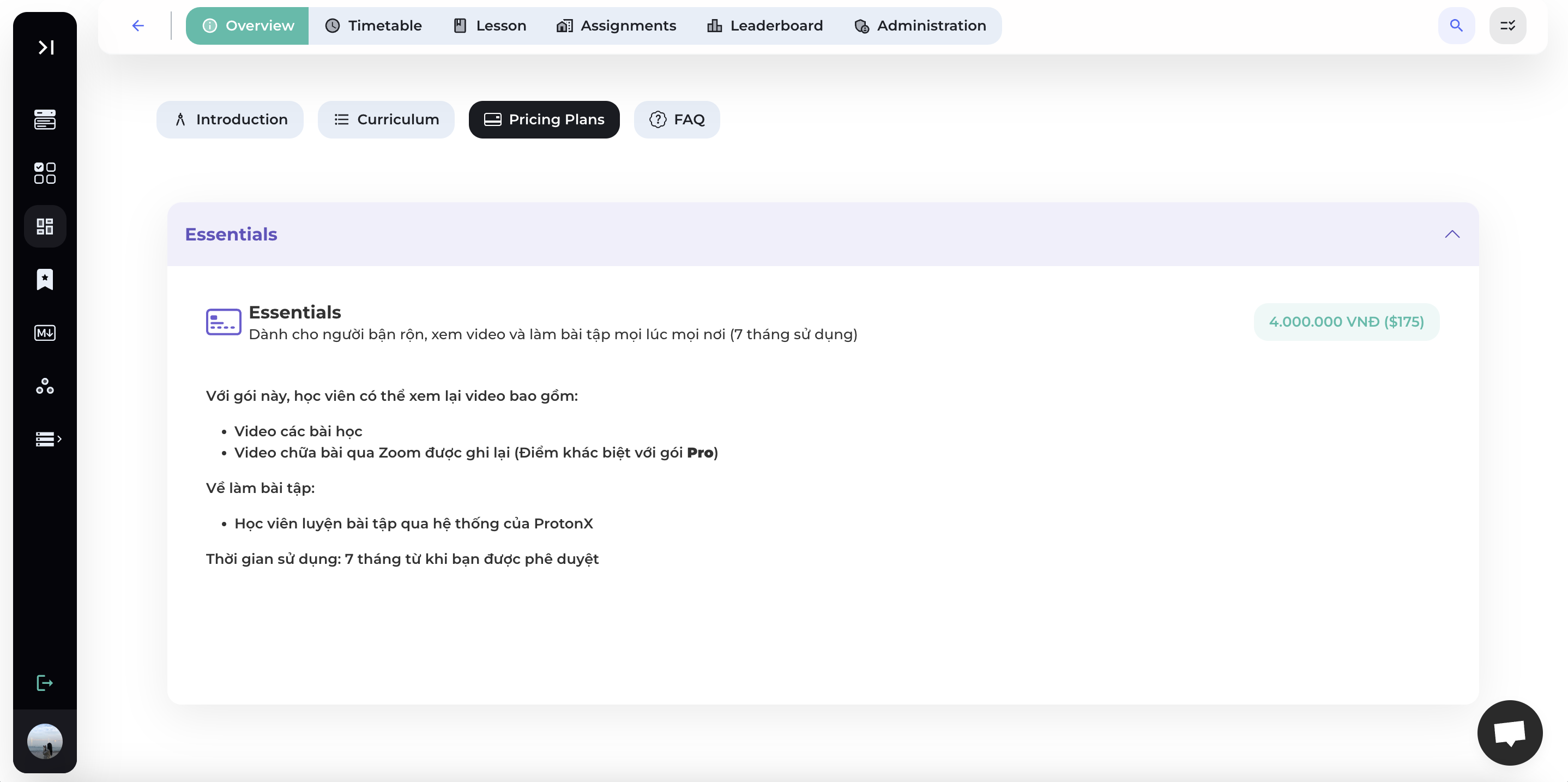
1.3. Pricing Plan
Display the course pricing plans and detailed information about each plan.
1.4. FAQ
Provide answers to some frequently asked questions about the course.
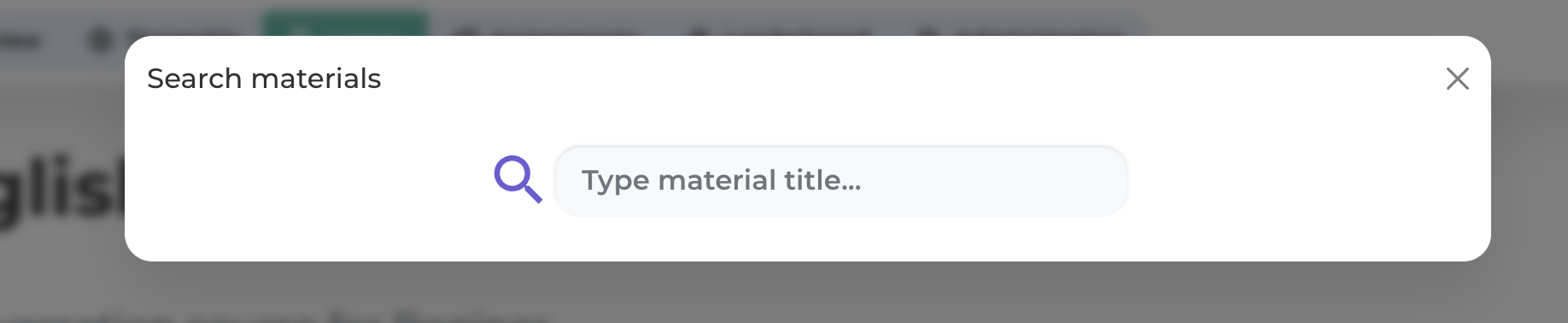
2. Search Materials
Click on the search icon at the top right corner of the toolbar to search for content quickly.
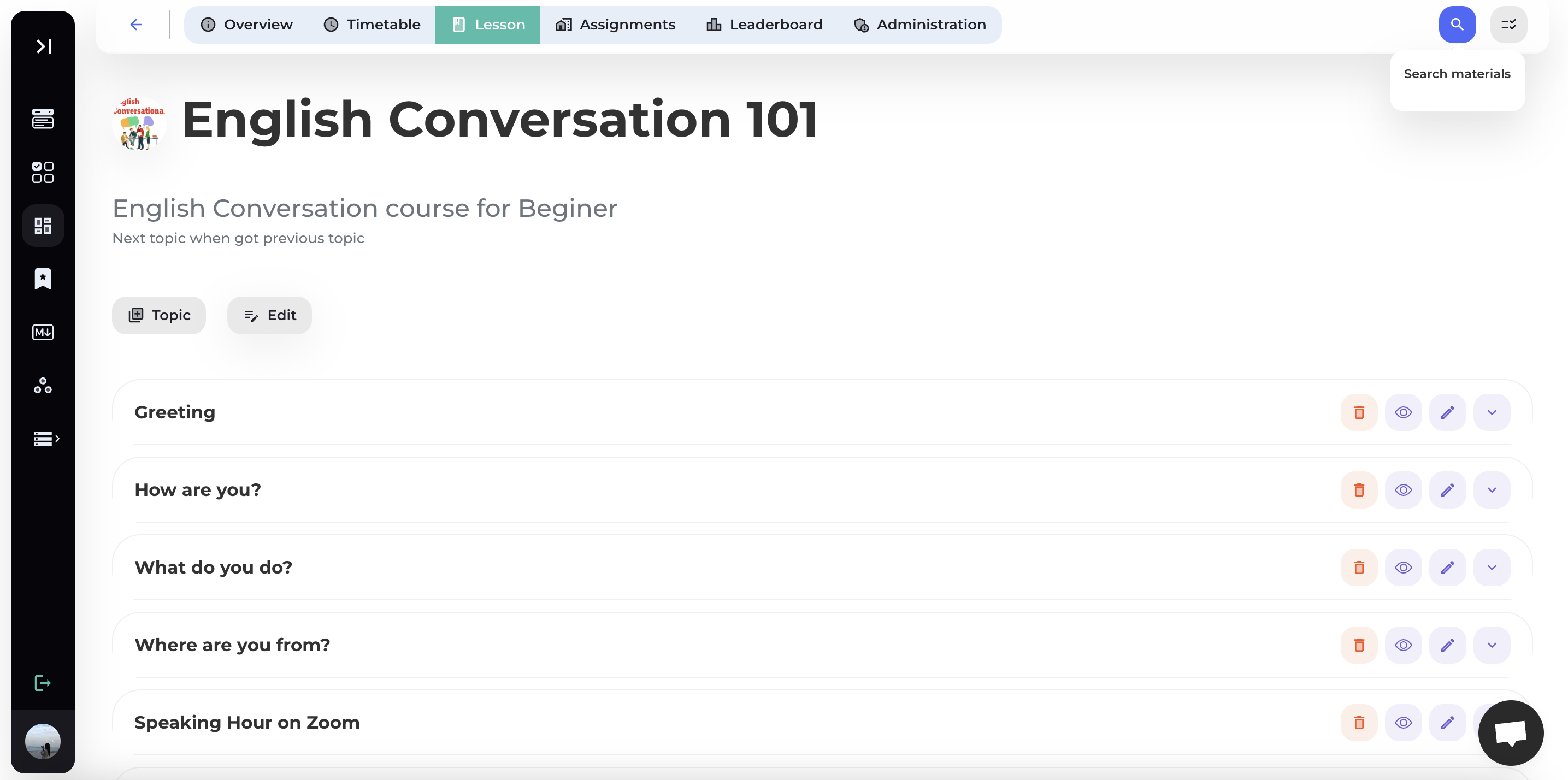
Enter the material title and press Enter to search.
3. Edit Course
Select [Lesson] on the toolbar.

Step 1: Select [Edit Course]
Press Edit, select Edit course to edit your course's information.

Step 2: Edit course's information


Step 3: Save
Select [Save] to update course's information.
4. Delete course
Step 1: Select [Delete Course]
Press Edit, select Delete Course to delete your course.

Step 2: Confirm
Select [Confirm] to delete course.