Class Management: Add Topic
Step 1: Access https://coursemind.io/courses
Step 2: Access a class that you manage.
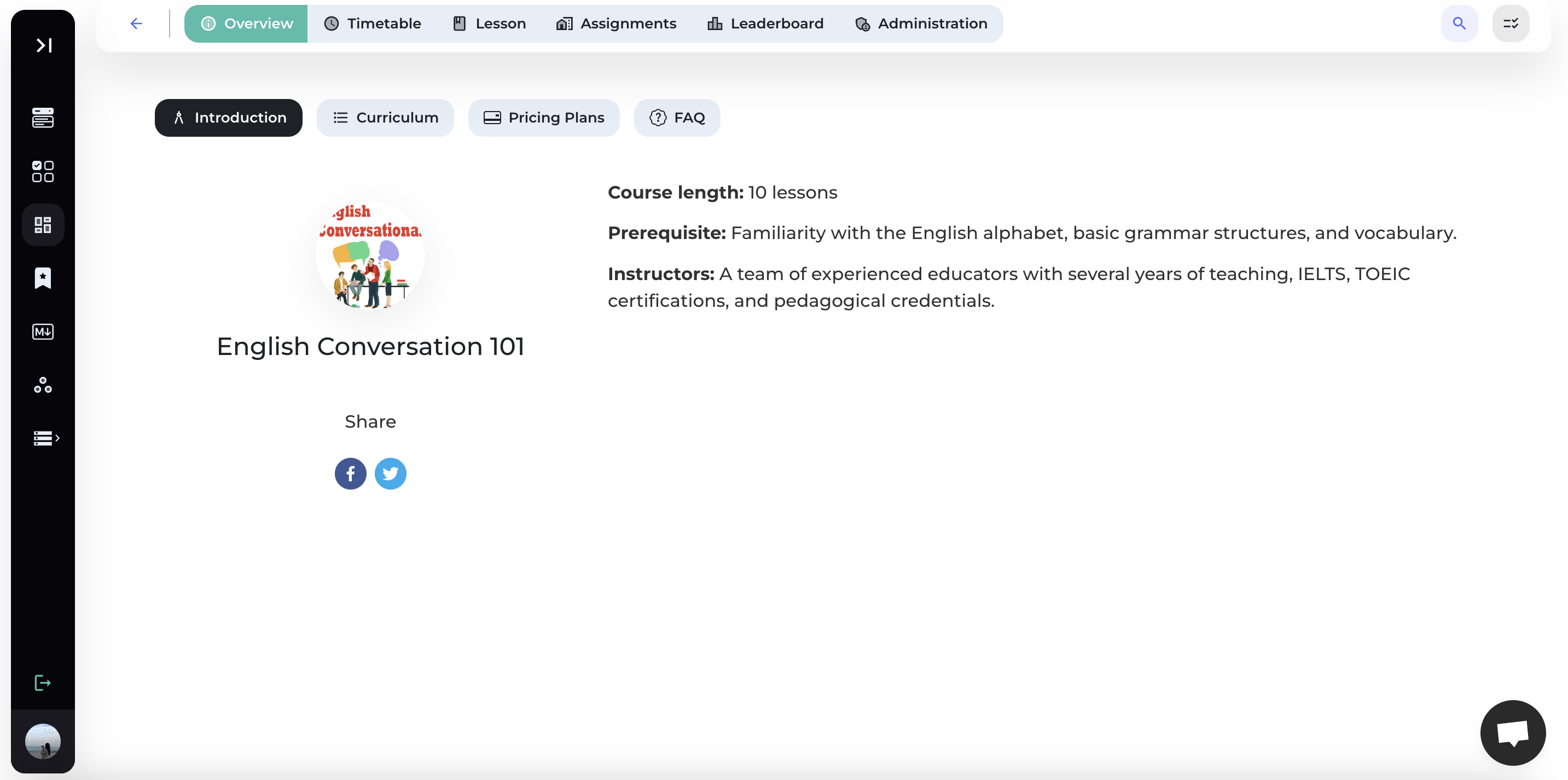
1. Add Topic
Step 1: Add Topic
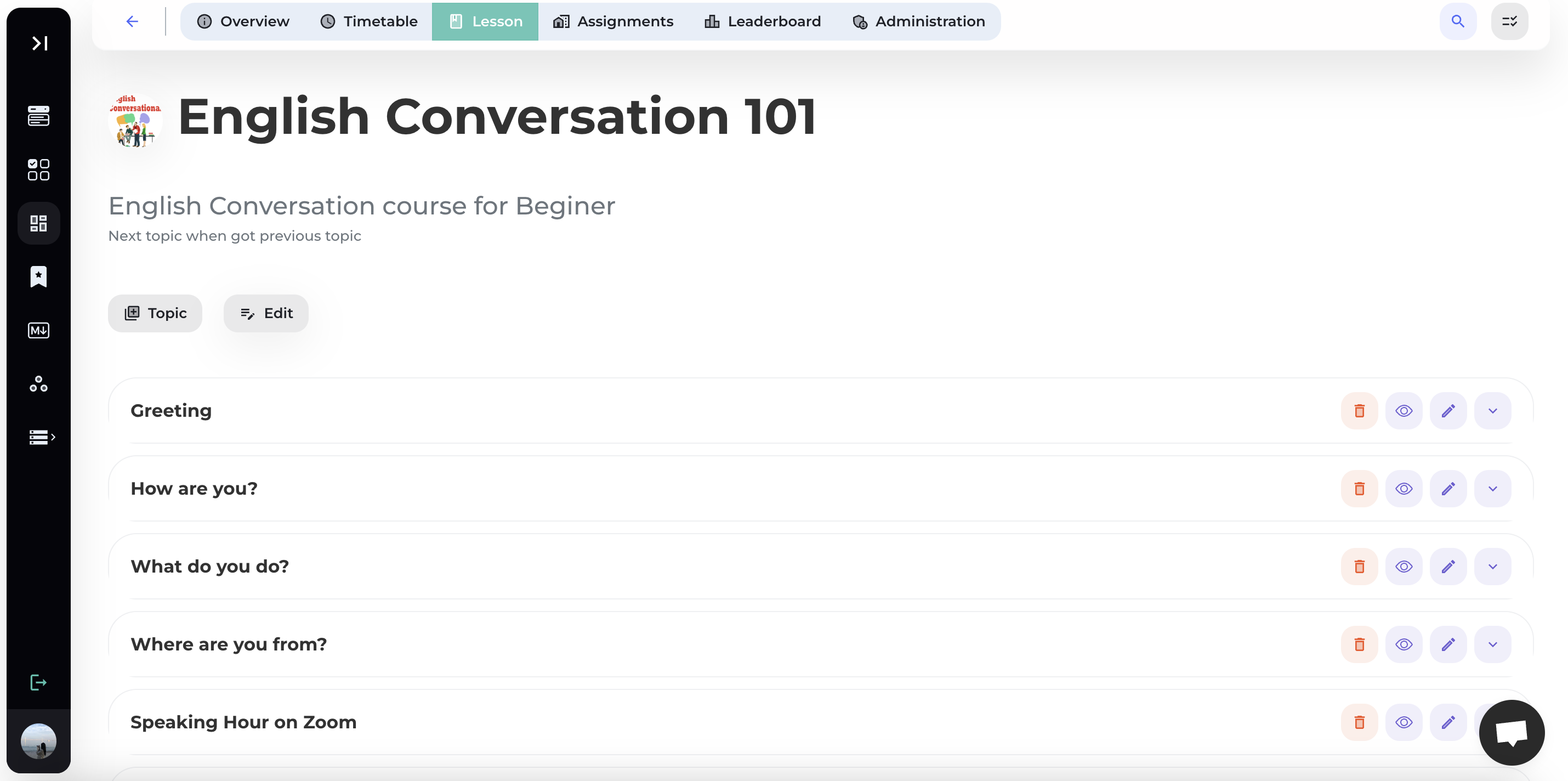
Click the [+ Topic] icon to proceed with adding a topic.
Step 2: Add information for the Topic
Enter the Title of the topic and its Description.

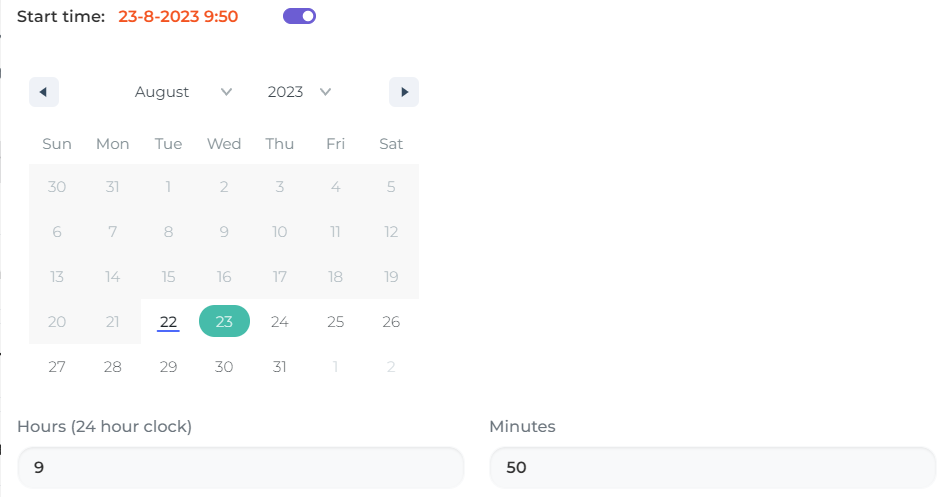
Create Start Time & End Time (if applicable):

Step 3: Save Topic
Click [Create] to create the Topic.
2. Edit Topic
Step 1: Edit Topic
Click the Edit icon at the top right corner of the topic to start editing the topic information.
Step 2: Edit Topic Information
Edit the information of the topic you wish to modify, including the Name, Start Time, End Time, and Description.

Step 3: Save
Select [Save] to update the topic.
3. Delete Topic
Step 1: Delete Topic
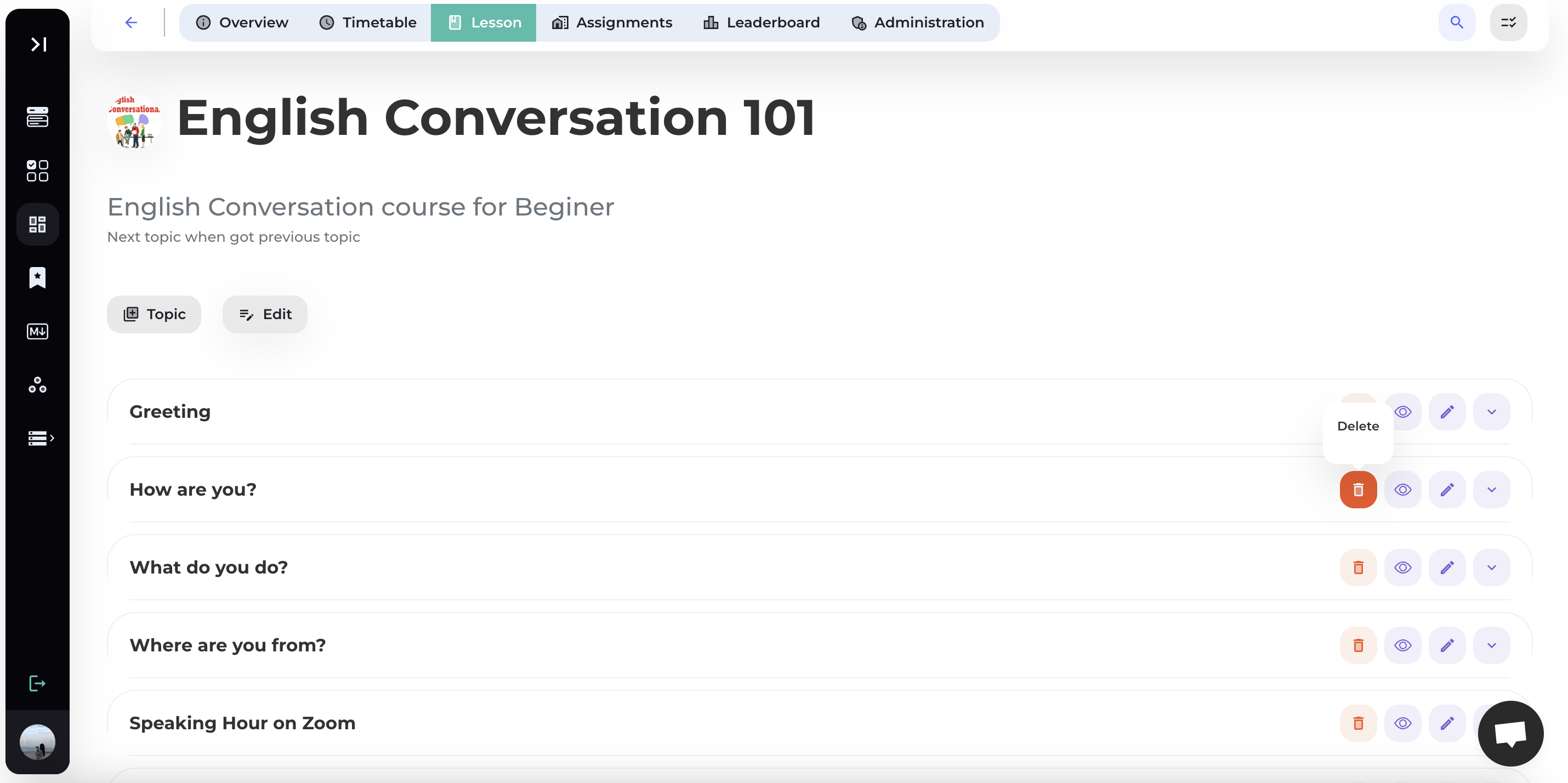
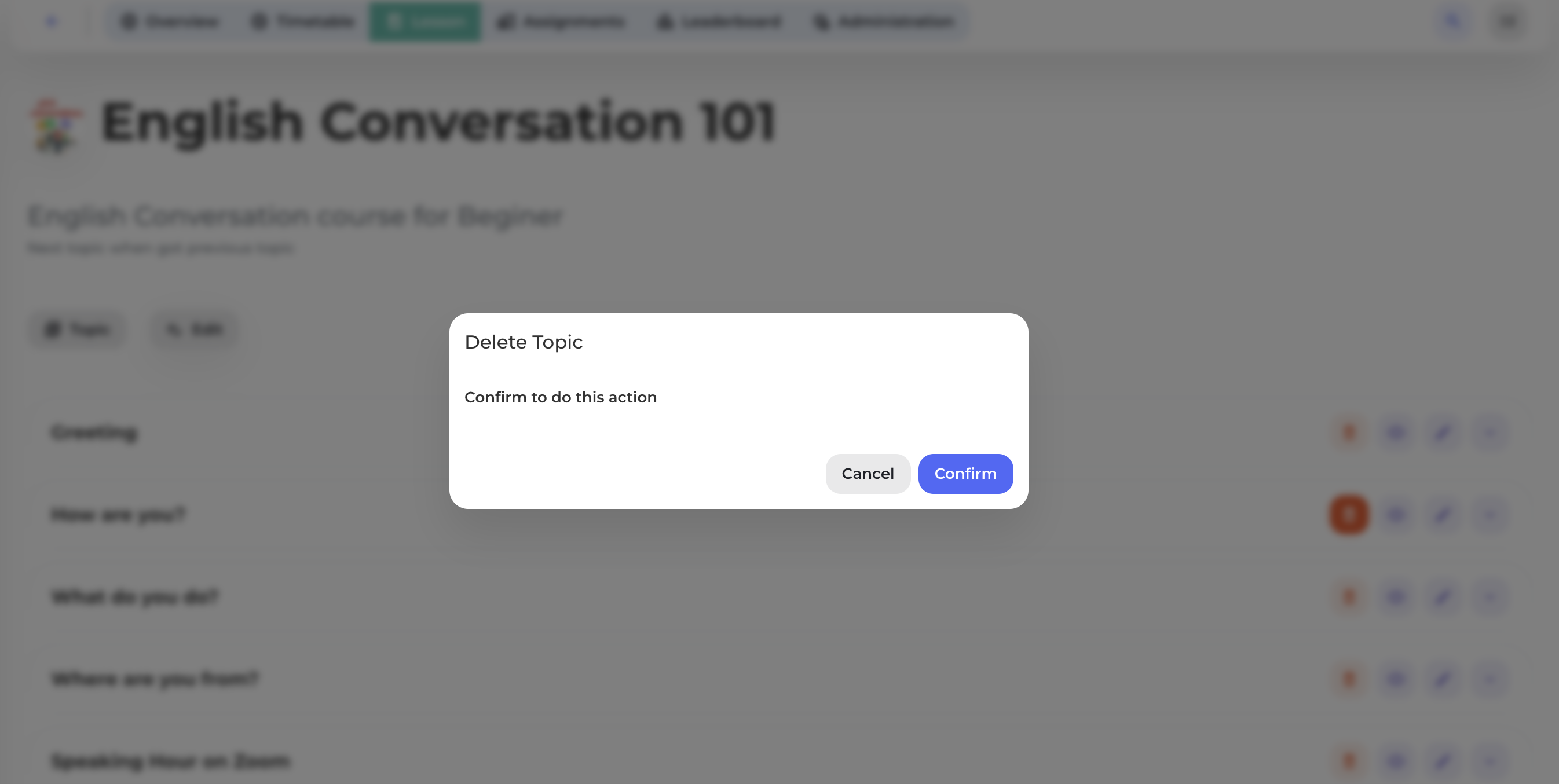
Click the Delete icon at the top right corner of the topic you want to delete (see the image below).
Step 2: Confirm
Click [Confirm] to delete the topic.
Note: All documents and assignments will still be stored in the database.